
See your whole week
Days across, time down, a now-line on today. Just like your spreadsheet, but alive.
TimeBlockMe turns your week into a simple, colourful grid. Plan, drag, done.
Launching soon. The store links go live with the listings.
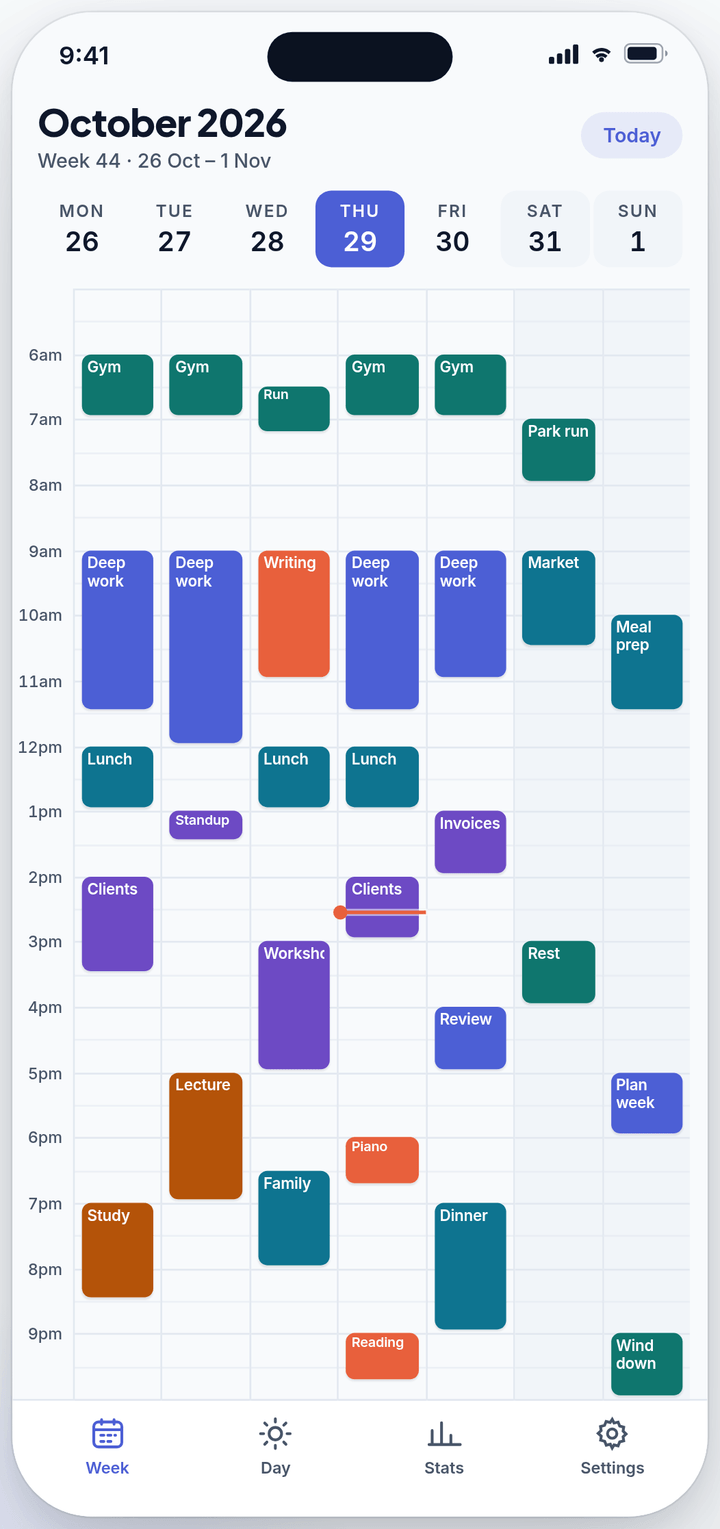
Days across, hours down, your whole week on one screen. No account, no clutter.
Days across, time down, a now-line on today. Just like your spreadsheet, but alive.
Start your week on any day, pick your block size, and choose themes, colours and symbols.
Offline reminders, your phone's calendar events, and weekly stats on where your time goes.
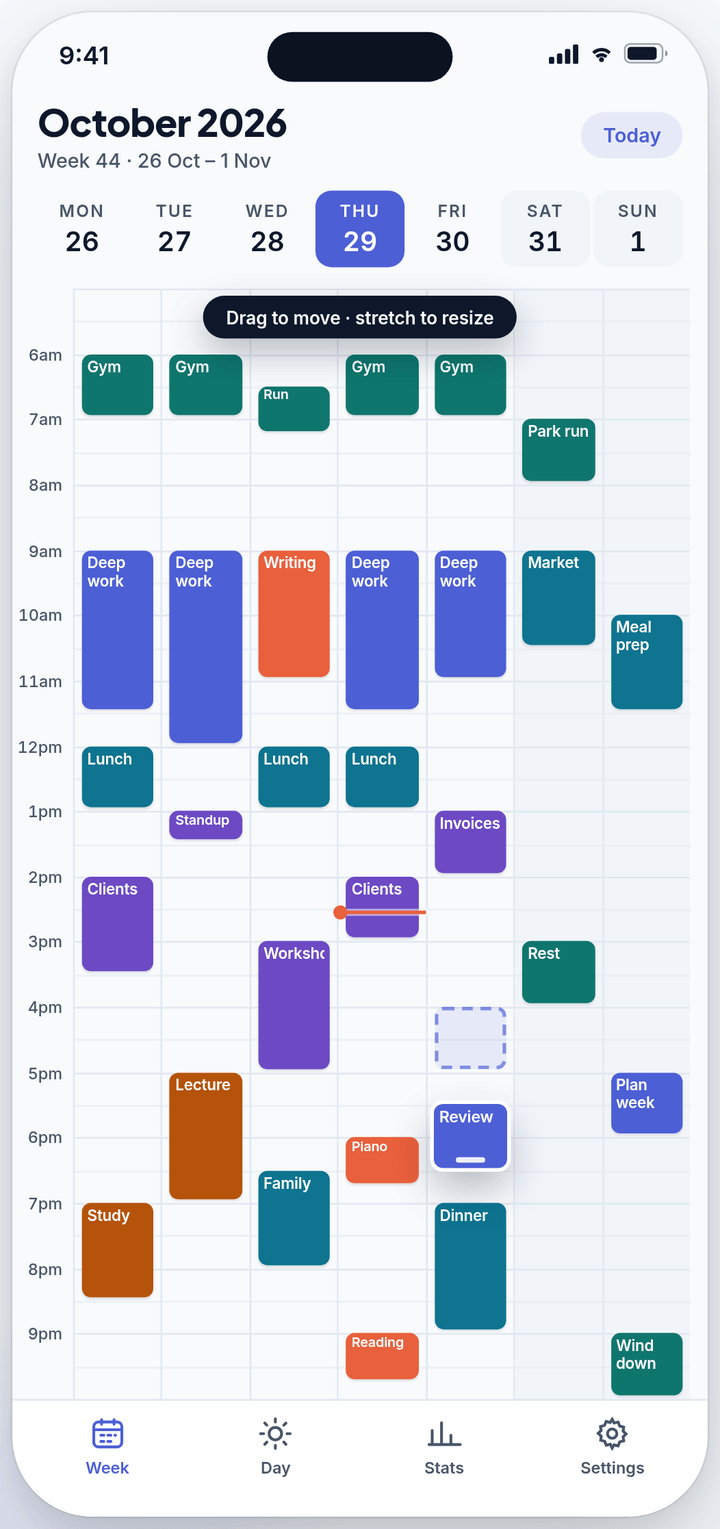
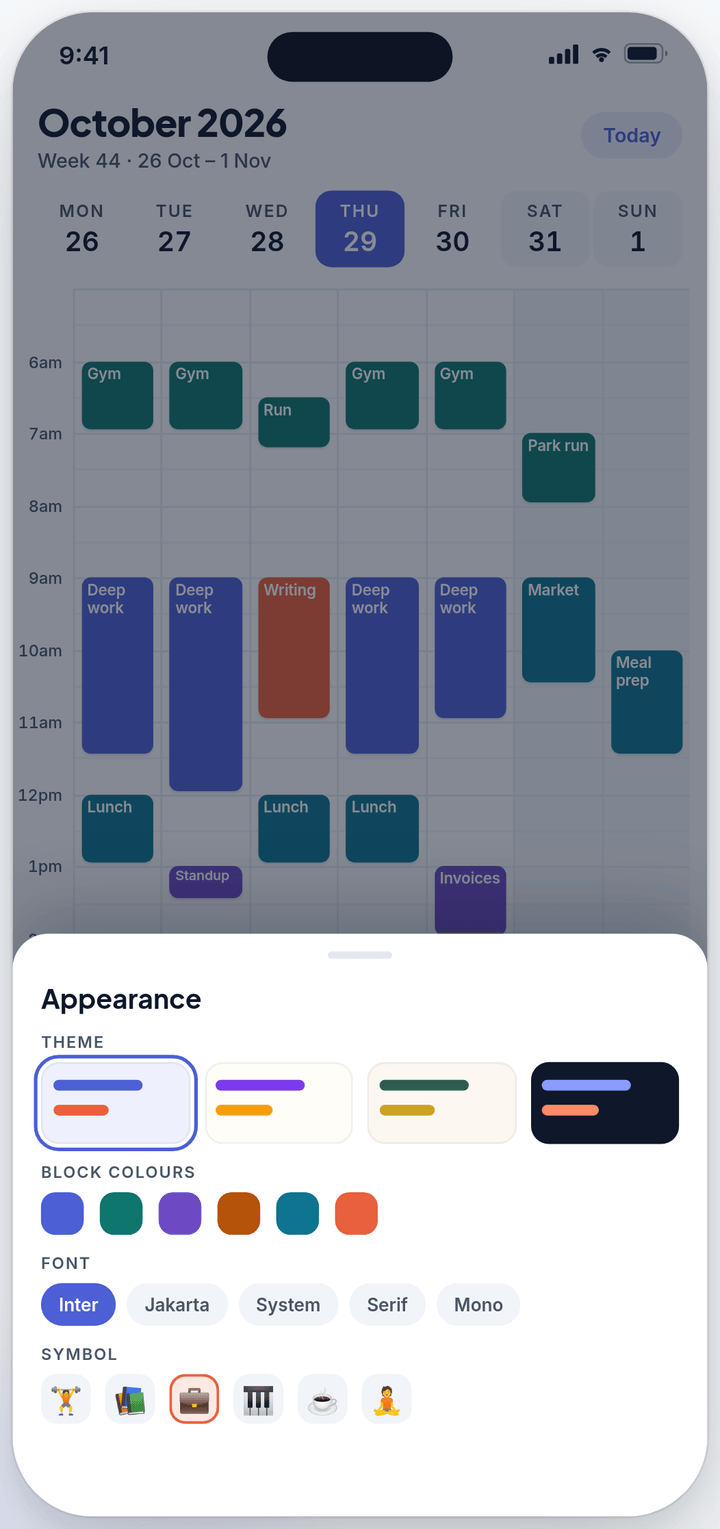
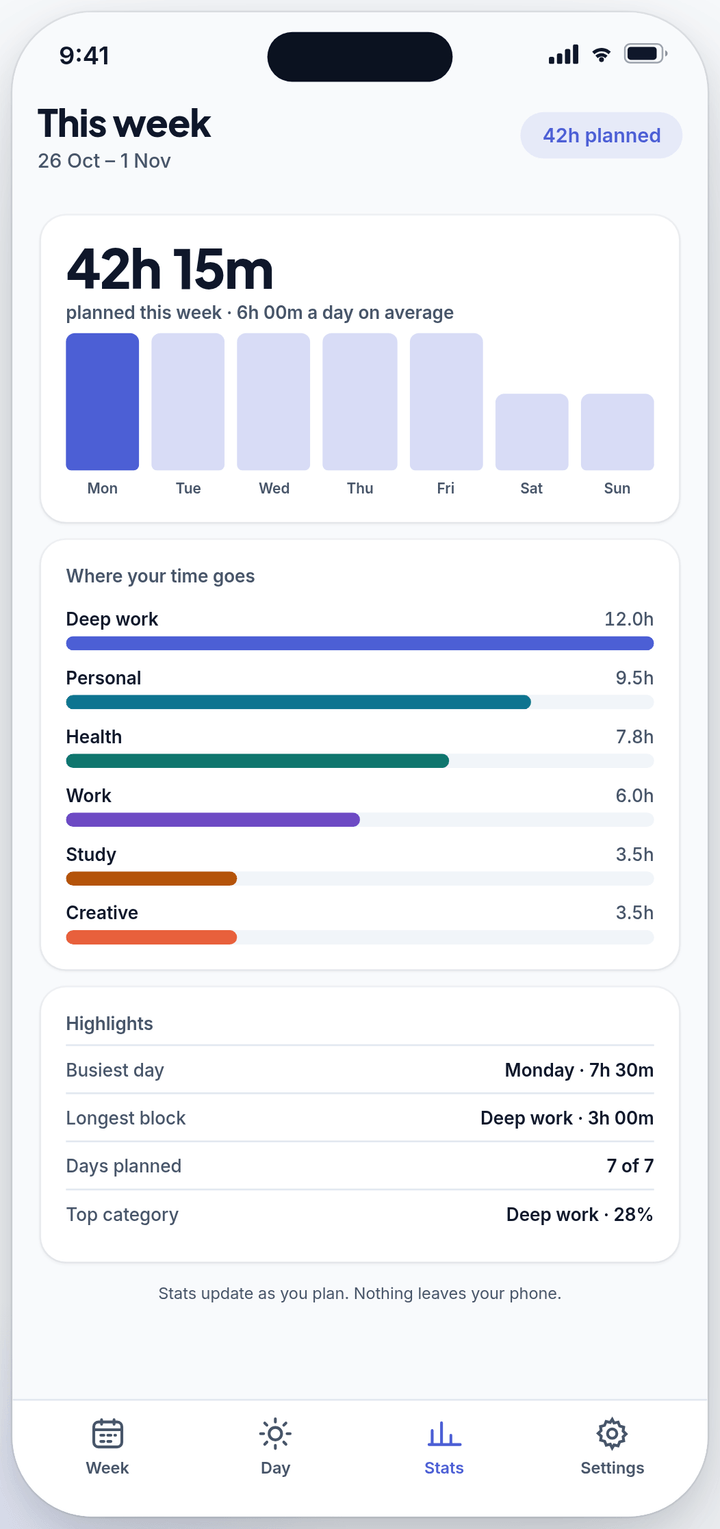
The free app works fully offline with no account. Premium adds sync, the web app and no ads.
$0
Supported by ads.
US$2.99per month after the free trial
Auto-renews until cancelled. Cancel anytime before the trial ends and you won't be charged.
No. The free app works fully offline on your phone. You only need an account for Premium sync and the web app.
Sync across devices, the web app, no ads, and a cloud backup of your blocks. US$2.99/month after a 1-month free trial.
Cancel where you subscribed: iPhone Settings → [your name] → Subscriptions; Google Play → Payments & subscriptions; or on the web in Account & subscription. Cancel before the trial ends and you won't be charged.
Premium: install the app and sign in with the same method as before. Your blocks sync down. Free: data is stored only on the old phone and can't be moved.
Turn on Settings → Calendar → Show calendar events and allow calendar access. Events only show in the mobile app.
Check notifications are allowed for TimeBlockMe in your phone's settings and that reminders aren't paused. Open the app at least once a week so reminders stay scheduled.
Nothing is deleted. Your blocks stay on your phone and in your account; sync and web access pause until you resubscribe.
Yes. Settings → Grid & time: choose any start day, 15 to 120-minute blocks and your own day hours.
Blocks stay at the same clock time, so a 7 AM gym block is still at 7 AM where you are.
Settings → Account & subscription → Delete account. This deletes your account and cloud data. Remember to cancel any App Store or Google Play subscription separately.
Tap a slot to add your first block. It takes about ten seconds, and it's free.